
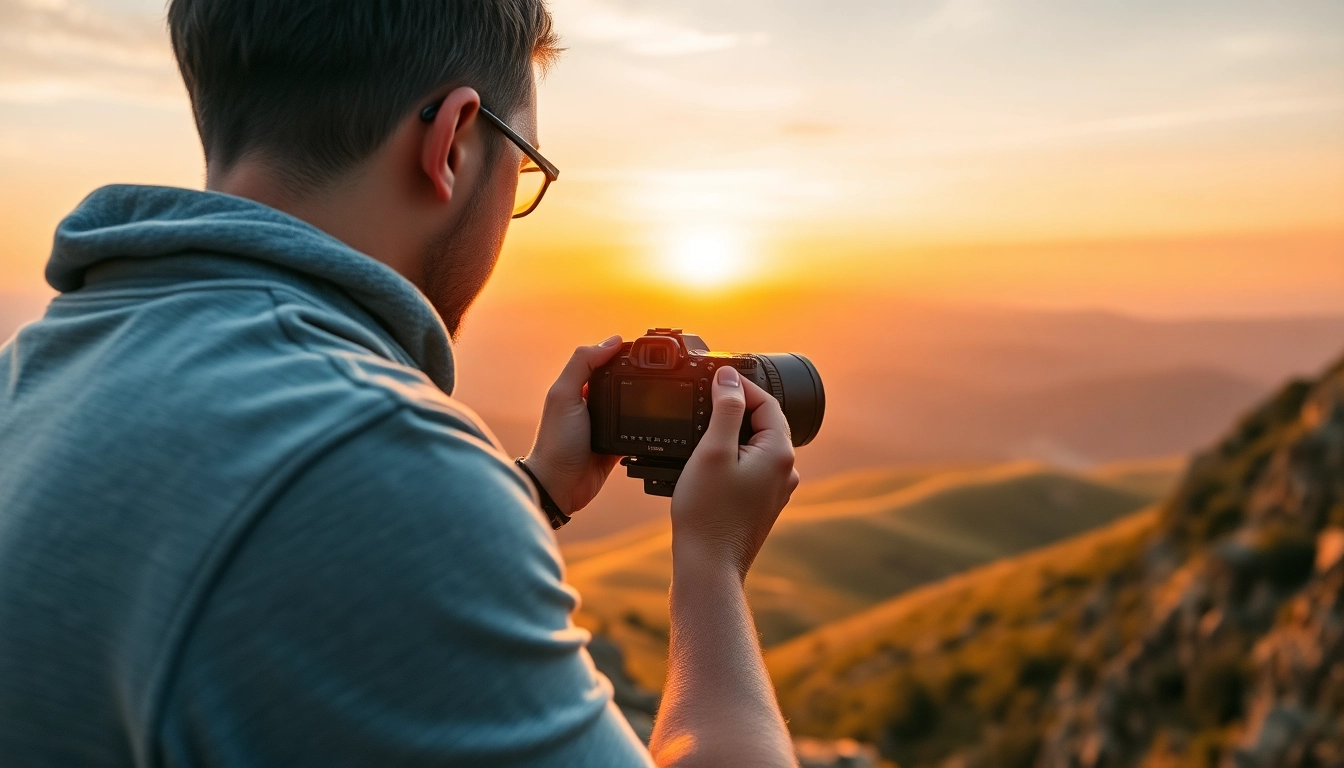
Understanding the Insta360 Camera Features
Key Specifications and Benefits
The Insta360 line of cameras redefines what users expect from action and 360-degree photography. These cameras are equipped with cutting-edge technology that allows for breathtaking and immersive image capture. Here is a detailed look at the essential specifications and their benefits that set Insta360 apart from traditional cameras.
- 360-Degree Imagery: Insta360 cameras utilize spherical lenses to capture 360 degrees of the environment, delivering an immersive viewing experience.
- High Resolution: Many models boast resolutions up to 8K, providing stunningly sharp images and videos that preserve amazing detail.
- Stabilization Technology: Advanced stabilization algorithms ensure smooth footage regardless of motion, eliminating shakiness even during dynamic activities.
- Durability: With rugged designs and water resistance, Insta360 cameras are built to withstand a variety of challenging environments.
How to Choose the Right Insta360 Model
Selecting the right Insta360 model depends on individual needs and desired use cases. Here are the primary models and their best-suited applications:
- Insta360 ONE X2: Ideal for dynamic shooters, this model combines portability with powerful features, perfect for action sports.
- Insta360 ONE R: A versatile choice that allows users to switch between 360 and 4K wide-angle lenses, suitable for both casual and professional users.
- Insta360 GO 2: Lightweight and compact, this camera is excellent for vloggers and travelers who desire convenience without sacrificing image quality.
Consider factors such as resolution, stabilization, accessories, and specific features tailored to your shooting needs when making a decision.
Setting Up Your Insta360 for Optimal Use
To get the best out of your Insta360 camera, initial setup is critical. Follow these steps to ensure optimal usage:
- Update Firmware: Keep your camera’s software up-to-date to benefit from the latest features and fixes.
- Configure Settings: Adjust default settings according to your shooting style—high resolution for landscapes, or lower for time-lapse sequences.
- Connect to the App: Utilize the Insta360 app for remote control, live preview, and access to editing features.
Mastering Insta360 Photography Techniques
Best Practices for Capturing Stunning Visuals
Once your Insta360 is set up, mastering the art of photography will enhance your output. Here are several best practices:
- Experiment with Angles: Take advantage of the 360-degree capabilities by shooting from unique perspectives, such as a low angle or from above.
- Use Natural Light: Shoot during golden hours—early morning or late afternoon—for softer light and more vivid colors.
- Set the Scene: Incorporate interesting foreground objects to add depth to your shots and maintain viewer engagement.
Utilizing Different Modes for Unique Effects
Insta360 cameras come equipped with several shooting modes that can be exploited for creative storytelling:
- Bullet Time: Create stunning slow-motion effects using a rotating setup.
- Time-Lapse: Capture dynamic scenes over an extended period, compressing them into short, engaging clips.
- Active HDR: Use HDR (High Dynamic Range) to manage high-contrast scenes, capturing intricate details in bright and dark areas simultaneously.
Editing Your Photos: Tips for the Best Results
The editing process is where your captured images can truly shine. Here are some tips to enhance your work:
- Use the Insta360 Software: Take advantage of the camera’s proprietary software for special effects and batch processing.
- Add Music and Voiceovers: Infuse your footage with emotion by incorporating music or narration to guide viewers through your experience.
- Trim Clips: Edit out unneeded footage to create a more engaging and concise final product.
Insta360 in Adventure Photography
Perfect Locations for Insta360 Shoots
Choosing the right location can dramatically impact your photos. Here are some ideal spots for shooting with the Insta360:
- Outdoor Adventures: Locations like mountains, forests, and beaches provide expansive vistas filled with dynamic action scenes.
- Cities and Urban Areas: Capture the vibrancy of city life, from bustling streets to towering buildings.
- Sporting Events: Embed yourself in the action at events like marathons or BMX competitions, where every angle counts.
Showcasing Action Shots with Insta360
Insta360’s stabilization technology makes it the perfect choice for capturing high-energy moments. Here’s how to showcase those action shots effectively:
- Follow the Action: Keep your camera on the move to ensure you catch every key moment.
- Use Close-Ups: Incorporate close-up shots to emphasize details like facial expressions and equipment in motion.
- Combine Different Angles: Blend various perspectives to enhance the storytelling element of your footage.
Combining Footage for Epic Experiences
Creating a montage from different clips can deliver compelling narratives. To effectively combine footage:
- Maintain a Theme: Focus on a light-hearted or adrenaline-pumping theme, ensuring all clips align with that narrative.
- Transition Smoothly: Use seamless transitions to maintain viewer engagement between different shots.
- Employ Subtitles: Adding text can clarify the story being told and add another layer of depth to your footage.
Common Challenges and Solutions with Insta360
Dealing with Lighting Issues
Lighting can significantly impact the quality of your images. Address common lighting challenges as follows:
- Find Natural Light: Plan shoots during the day and use natural light whenever possible.
- Adjust Exposure: Use manual settings to adjust exposure for bright or dark areas in your scenes.
- HDR Mode: Activate HDR mode to balance high-contrast scenes effectively.
Avoiding Common Mistakes
Even seasoned photographers have room for error. Here are common mistakes to avoid:
- Neglecting Planning: Take time to plan your shots to avoid missed opportunities.
- Forgetting to Edit: Always review and edit your footage; raw shots rarely tell the whole story.
- Ignoring Stability: Make sure your camera is well-stabilized, especially during fast-paced shooting.
Enhancing Battery Life for Extended Use
Managing battery life effectively ensures longer shooting durations. Here’s how:
- Reduce Screen Brightness: Lowering the screen brightness can save substantial battery power.
- Limit Wi-Fi Usage: Deactivate Wi-Fi when not in use to conserve energy.
- Use Battery-Saving Modes: Activate any battery-saving features your camera may offer.
Staying Updated with Insta360 Community
Join Online Forums for Tips and Tricks
Participating in online communities is a fantastic way to stay informed and learn from others:
- Facebook Groups: Join dedicated Insta360 users’ groups on social platforms to share experiences and seek advice.
- Reddit Communities: Engage in discussions on platforms like Reddit to gather insights from fellow enthusiasts.
Participating in Insta360 Challenges
Many communities host photo and video challenges for users. Here’s why you should participate:
- Unleash Creativity: Challenges often push you to experiment with techniques you’ve never tried.
- Receive Feedback: Submitting your work for critique can provide valuable insights to hone your skills.
Learning from Other Users’ Experiences
Engaging with other users’ stories can enrich your experience:
- Watch Tutorials: Many enthusiasts share their techniques online; learn by watching their processes.
- Read Blogs: Blogs and articles can provide in-depth information on challenges faced and how they overcame them.
Frequently Asked Questions
1. What is the Insta360 best for?
The Insta360 is ideal for capturing immersive 360-degree photos and videos, especially in action and adventure sports.
2. Can I use Insta360 for live streaming?
Yes, many Insta360 models support live streaming directly to social media platforms, enhancing engagement with your audience.
3. How long does the battery last on an Insta360 camera?
Battery life typically varies between models, with some lasting several hours depending on usage and settings.
4. Does Insta360 offer editing software?
Yes, Insta360 provides user-friendly editing software designed specifically for enhancing your photos and videos easily.
5. Is it easy to set up the Insta360 camera?
Setting up the Insta360 camera is straightforward, with clear instructions provided in the user manual and mobile app assistance.