
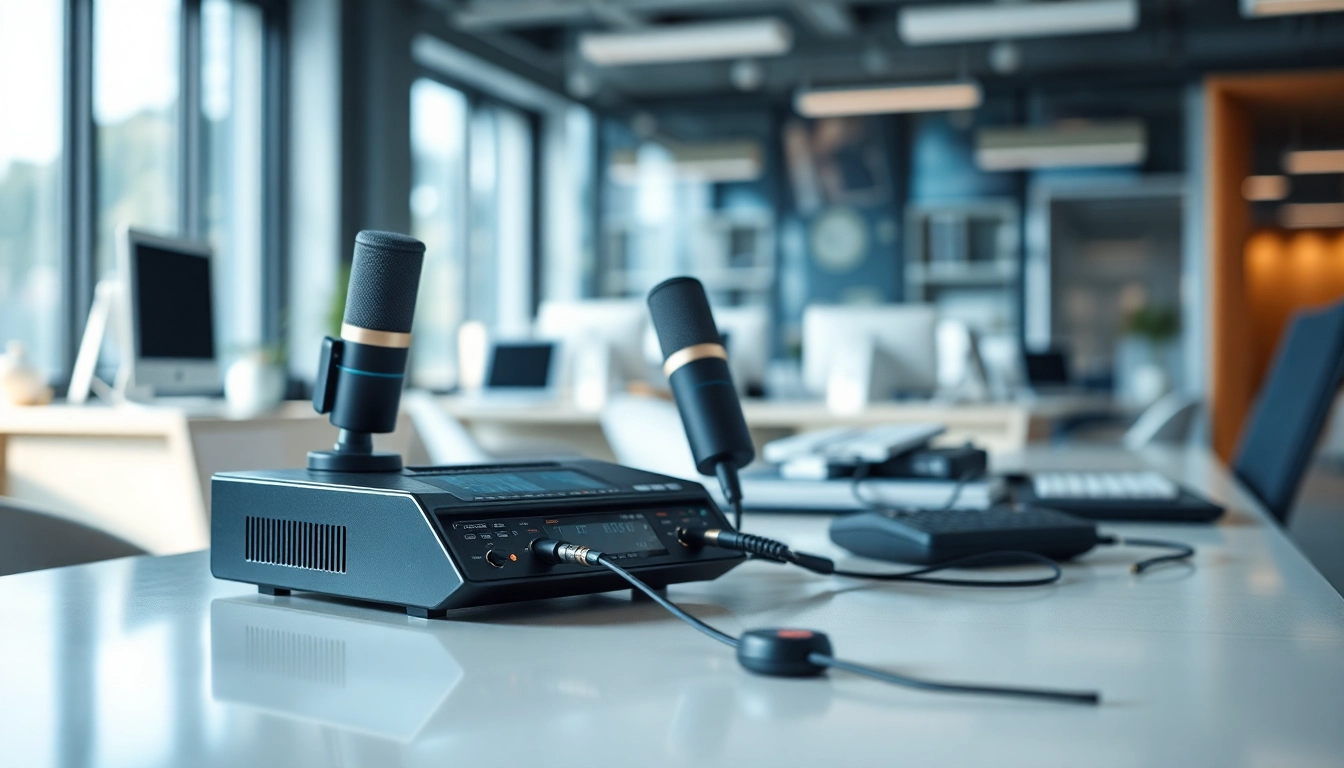
Understanding Call Recording
What is Call Recording?
Call recording is the process of capturing telephone conversations and turning them into digital audio files. This technology allows users to record calls for various purposes, including compliance, training, and quality assurance. The recordings can be stored, reviewed, and analyzed, providing valuable insights into customer interactions and team performance.
The Importance of Call Recording
Every interaction with customers presents an opportunity for feedback, training, and improvement. Call recording serves as a pivotal tool in enhancing business communication. It helps in documenting communication, ensuring compliance with legal standards, and providing an audit trail for dispute resolution. Moreover, it can improve customer service by allowing managers to coach employees based on real interactions.
Types of Call Recording Methods
There are various methods for call recording, each suited to different needs and environments:
- Manual Recording: Users trigger the recording feature during a call, often through an app or software.
- Automatic Recording: Calls are recorded automatically based on pre-set rules, such as recording all calls or calls only from unknown numbers.
- VoIP Recording: This method captures calls over the internet, making it suitable for businesses that rely on internet telephony.
- Hardware Solutions: Specialized devices can record calls on traditional phone lines.
How to Set Up Call Recording
Choosing the Right Tools
Selecting the right tools for call recording is crucial for effectiveness and compliance. Considerations include software adaptability, user interface, and the specific features required by your organization. Popular platforms might offer features like cloud storage, easy access, and integration with existing customer relationship management (CRM) systems.
Installing Call Recording Software
Installing call recording software typically involves downloading the application, creating user accounts, and configuring necessary settings. Ensure that all employees are trained on how to use the software effectively to avoid any misunderstandings or operational inefficiencies.
Configuring Device Settings for Call Recording
After installing the software, configure device settings to optimize call recording. This may include enabling permissions, selecting recording formats, and advising team members on how to start and stop recordings. It’s also important to confirm hardware compatibility if using physical devices.
Best Practices for Call Recording
Ensuring Legal Compliance
Legal compliance is paramount in call recording. Familiarize yourself with regulatory requirements that may mandate informing parties about recordings. This might include obtaining explicit consent from all callers or adhering to regional laws regarding data capture and storage.
Communicating Transparency with Call Recording
Transparency is key when implementing call recording. Letting customers know that their calls may be recorded can boost trust and compliance. Consider implementing automated messages at the beginning of each call to inform participants.
Storing and Managing Call Records Effectively
Effective storage and management of recordings can prevent legal complications and ensure easy retrieval. Implement a structured filing system, possibly utilizing metadata for recording database navigation, and regularly audit storage compliance strategies.
Common Challenges with Call Recording
Addressing Technical Issues
Common technical issues that arise include equipment malfunctions, software bugs, and compatibility problems. It’s vital to ensure that your hardware and software are frequently updated and tested to mitigate these issues.
Managing Privacy Concerns
Privacy concerns surrounding call recordings necessitate a robust management strategy. Employ strong encryption methods for stored recordings and ensure that access is restricted to authorized personnel only. Additionally, develop a clear policy concerning data retention and destruction.
Maintaining Call Quality
Call quality can decline with recording, primarily due to bandwidth limitations or equipment issues. Regularly check your technical setup to avoid introduction of noise or degradation of audio clarity. Encourage team sessions focused on maintaining high standards during recorded calls.
Future Trends in Call Recording
Integration with AI Technology
The integration of artificial intelligence in call recording is on the rise, enhancing transcription accuracy and analytics capabilities. AI can help automate feedback processes by analyzing recorded calls and identifying areas needing improvement.
Impact of Regulatory Changes
As laws evolve around data protection and privacy, businesses must continuously adapt their call recording practices. Staying informed about regulatory changes is crucial in maintaining compliance and avoiding legal penalties.
Emerging Solutions for Businesses
Frequently Asked Questions
What is the purpose of call recording?
Call recording helps businesses maintain compliance, improve training, and enhance customer service by reviewing actual conversations.
Is call recording legal?
The legality of call recording varies by region, often requiring consent from all parties involved. Always check local laws before implementing.
How can I record phone calls on my mobile device?
Many smartphones have built-in call recording features, or you can download third-party apps that offer automatic recording capabilities.
What should I do with recorded calls?
Recorded calls can be used for training, quality assurance, compliance checks, and maintaining records of customer interactions.
How long should I keep call recordings?
Retention periods for call recordings depend on legal requirements and business policies. Regular audits and disposal strategies should be implemented.