
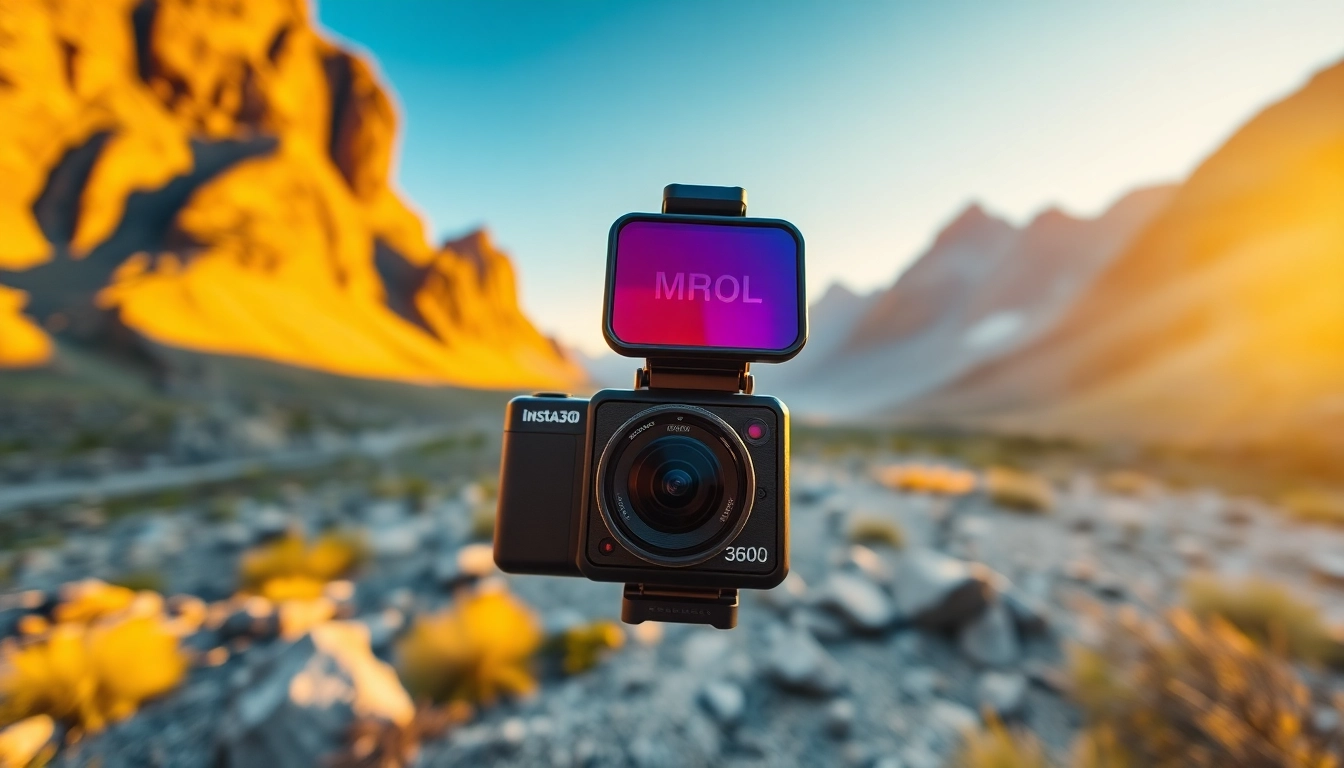
Introduction to the Insta360 X5
The Insta360 X5 stands as a flagship model in the realm of 360-degree cameras, offering enthusiasts and professionals alike a powerful tool for immersive storytelling. This camera is designed to capture stunning visuals that transport viewers into the heart of the scene, making it ideal for filmmakers, vloggers, and adventurers. In this comprehensive guide, we will explore every facet of the Insta360 X5, ensuring that you maximize its potential to create breathtaking content.
What Makes the Insta360 X5 Stand Out?
The Insta360 X5 distinguishes itself with several pioneering features that set a new standard in the 360-degree camera market. Firstly, the camera offers an impressive 8K video resolution, which means that every detail is captured with clarity, even in dynamic scenes. Coupled with its PureVideo technology, the camera performs exceptionally well in low-light conditions, ensuring high-quality footage regardless of the environment.
Additionally, the Insta360 X5’s unique interchangeable lens feature allows users to switch between different lenses depending on their shooting needs, whether they require a wide-angle lens for expansive landscapes or a more focused lens for close-up shots. This versatility is complemented by the camera’s waterproof capability, allowing it to be submerged up to 49 feet (15 meters), making it perfect for underwater adventures.
Key Specifications of Insta360 X5
- Resolution: 8K video at 30fps, 4K at up to 100fps.
- Sensor Size: Dual 1/1.28 inch sensors for enhanced light capture.
- Stabilization: Built-in, advanced stabilization technology for smooth footage.
- Battery Life: Up to 3 hours of continuous recording.
- Weight: Lightweight and compact design for portability.
- Waterproof: Up to 49 feet (15 meters) when properly sealed.
- Lens Options: Interchangeable lenses for varied shooting styles.
Why Choose the Insta360 X5 for Filmmaking?
Choosing the right camera is foundational for any filmmaker, and the Insta360 X5 provides specific advantages that cater to diverse content creation needs. Its ability to switch lenses allows filmmakers to adapt quickly to changing environments, making it easier to shoot in a variety of settings, from landscape shots to tight interior spaces.
Moreover, the captured 8K footage allows for extensive post-production flexibility. Editors can crop, zoom, or reframe shots without sacrificing quality, giving creators unparalleled control during the editing phase. This capability is particularly valuable for creating content that requires intricate detail, such as documentaries and cinematic vlogs.
Setting Up Your Insta360 X5
Unboxing and Equipment Overview
Upon unboxing your Insta360 X5, you will find the camera, a battery and charger, USB cables, a lens protector, and an easy-to-follow user manual. Familiarizing yourself with the components is essential before usage. Ensure to inspect the camera for any physical damage, and charge the battery fully before starting your first shoot.
Step-by-Step Setup Guide
- Remove the camera from its packaging and check for included accessories.
- Attach the battery securely, ensuring it clicks into place.
- Power on the camera by pressing the designated button.
- Select your preferred mode (video or photo) using the touch screen interface.
- If applicable, attach the lens of your choice and ensure it is securely fastened.
- Connect to the Insta360 app on your smartphone for remote control and additional features.
Best Practices for First-Time Users
For first-time users, it’s crucial to spend some time experimenting with different shooting modes and settings. Familiarize yourself with the device’s interface and capabilities by filming short clips in various lighting conditions. Additionally, practice utilizing the stabilization feature by walking or moving while recording, which will help you gauge how effectively the camera smooths out your shots.
Don’t forget to read through the user manual regarding the waterproof feature, as improper handling can lead to damage. Always ensure that the waterproof seals are intact before taking your camera into wet environments.
Understanding the Unique Features of Insta360 X5
Stabilization Techniques for Stunning Footage
One of the standout features of the Insta360 X5 is its advanced image stabilization capabilities. This technology works by analyzing the sensor data in real-time, effectively smoothing out the video feed during motion. This is particularly useful in action-packed scenarios, such as sports events or outdoor adventures.
To make the most out of this feature, it is advisable to maintain a steady hand while filming, and to embrace movements that mirror smooth motions instead of abrupt transitions. Combining this with the camera’s built-in settings can yield cinematic-quality results.
Exploring Video Quality and Resolution
The Insta360 X5’s ability to record in 8K resolution at 30fps creates a stunning video output that captures a remarkable amount of detail and depth. The camera’s dual 1/1.28 inch sensors gather more light, resulting in lower noise in dimly lit environments. For the best quality, a well-lit setting is preferable—however, the camera’s low-light performance allows for impressive shots even under less than ideal conditions.
Waterproof Capabilities and Use Cases
The Insta360 X5’s waterproof capacity opens up a wide range of opportunities for photography and videography in aquatic environments. With a depth rating of up to 49 feet, users can explore underwater shooting for thrilling content ranging from marine life documentaries to adventurous sports, like snorkeling or diving. Always remember to remove the lens guard before submerging the camera to prevent any water-related damages.
Advanced Tips for Capturing Epic Shots
Utilizing the Invisible Selfie Stick Effect
The Insta360 X5 features a unique “Invisible Selfie Stick” effect, which allows users to capture stunning first-person views without the stick appearing in the footage. This effect is achieved by stitching the footage together in a way that eliminates the stick from the final video. To utilize this feature effectively, extend the selfie stick outwards and position your camera appropriately before starting your recording.
This technique is particularly popular among travel vloggers and adventurers, as it provides an immersive perspective that engages viewers, making them feel as if they are experiencing the journey first-hand.
Creative Filming Techniques with Insta360 X5
The flexibility provided by the Insta360 X5 encourages many creative filming techniques. Consider using the camera to create time-lapses, hyper-lapses, or 360-degree panoramas that elevate your storytelling. The built-in editing software within the Insta360 app has several templates that assist creators in quickly compiling and enhancing their videos.
Incorporating unique angles and perspectives can set your content apart—experimenting with dizzying spins or unusual framing can lead to extraordinary results. Pair this creativity with proper planning for angles and lighting to maximize visual impact.
Edit Like a Pro: Software Recommendations
To truly elevate your content, post-production editing is crucial. The Insta360 app is equipped with robust editing tools that enable users to create professional-quality videos directly from their mobile devices or desktops. The software allows for skin smoothing, color correction, and audio adjustments, making it an essential part of your editing toolkit.
For advanced editing, software such as Adobe Premiere Pro or Final Cut Pro can be utilized. These platforms offer extensive options for refining your footage with greater detail, including multi-cam editing and advanced transitions. Remember: the editing process is where your story truly comes to life.
Maintenance and Frequently Asked Questions
How to Keep Your Insta360 X5 in Top Condition
Keeping the Insta360 X5 in optimal condition requires regular maintenance. Ensure the lens is kept clean to prevent distortion in your shots, as any smudges or dirt can affect image quality. Store the camera in a protected case, especially when not in use or during rugged adventures, to avoid potential drops or scratches.
After exposure to water, it’s important to rinse the camera with fresh water and dry it thoroughly to prevent any residual moisture from causing harm to internal electronics.
Common Issues and Troubleshooting
Like any electronic device, the Insta360 X5 may experience some common issues. Some users have noted problems with connectivity to the companion app. In such cases, restarting both the camera and the device is a good first step. If you encounter persistent issues with video quality or battery life, consult the user manual or the manufacturer’s support site for troubleshooting tips.
FAQs about the Insta360 X5
Can I use the Insta360 X5 underwater?
Yes, the Insta360 X5 is waterproof up to 49 feet (15 meters). Ensure the lens guards are removed before use in water to avoid stitching issues.
How do I connect the Insta360 X5 to my smartphone?
You can connect your Insta360 X5 to your smartphone via Wi-Fi. Download the Insta360 app and follow the on-screen instructions to establish a connection.
What kind of battery life can I expect?
The camera provides approximately three hours of continuous recording under optimal conditions. Battery life may vary based on usage and settings.
Is the Insta360 X5 suitable for professional filmmaking?
Absolutely, the Insta360 X5 is equipped with high-resolution capabilities and advanced features, making it an excellent choice for both amateurs and professionals alike.
How do I achieve the invisible stick effect?
To achieve the invisible stick effect, extend your selfie stick while filming an action sequence, and ensure the camera’s settings are properly set to allow for automatic stitching of the footage.